Saturday, August 8, 2015

Hackathon: Writing a Microsoft Band App In One Weekend - Update 3

Update 3: Wet and Wild

Data! We have Data! We have tons and tons and tons of Data!
Samples for 40 Strokes at Sprint Pace
Those same 40 strokes charted and tweaked for algorithm building

Sample Gathering


This morning I made a first pass of the Stroke Counter algorithm. I then went down to the lake and collected 10 sample groups to run against the Stroke Counter.

The sample groups included:

  • 20 Strokes at an Easy Pace
  • 5 Strokes at an Easy Pace
  • 40 Strokes at a Sprint Pace
  • 60 Strokes at an Easy Pace

Turn Simulation
  • 20 Strokes on Left Side Only
  • 10 Strokes on Left Side Only
  • 20 Strokes on Right Side Only
  • 10 Strokes on Right Side Only

Odd But Why Not
  • 20 Strokes Backwards
  • 20 Strokes Backwards


Algorithm Test Run 1


The first test run of the sample data against the initial Stroke Counter sucked...I mean it was very inaccurate. There goes trying to "guess" my way through this.

Ok, so more work was needed on the algorithm and that was my day. About 9+ hours of tweaking later and I am passing all Easy Pace tests. Tomorrow I will run a new sample session with this algorithm and see how it stands up during use in the kayak.

Improvements For Sprinting


For Sprinting or fast and strong strokes I am going to tackle the problem by looking at peak samples in trailing sample ranges. If a peak reading goes above a known Sprint High Water Mark (HWM) that is outside the normal HWM then I will apply a modifier to my HWM and LWM (Low Water Mark). Then as long as the trailing peak samples above the "Sprint HWM" I will apply a modifier to my stroke classification.

I can see that one of the trickiest problems will be handling the transition from an Easy pace to a Sprint pace. This will be interesting to solve.

Tweaking The Algorithm


So, what did I do to tweak the algorithm today?

The exporter I built into the app exports the sample data into a file with Comma Separated Values, with one reading per line. I am using the Share Sheet from my app so I can easily save my samples to Dropbox after each sample collection.

Once I got back to the house. I imported the sample groups into Numbers and created charts for each sample set.

For each chart I left the chart zoomed out on top and then I created a duplicate chart below and zoomed it in. I applied the following adjustments to my chart:
  • Series
    • Turned on Trendlines with Moving Average and tweaked the Period to find a sweet spot for the algorithm high and low water marks.
    • Turned on Error Bars with Standard Deviation to help isolate the Trendline while reviewing between the 10 sample sets.
    • Changed the Trendlines to Red and increased them to 4 pt. This helped them stand out in the charts.
  • Axis
    • I added Minor Ticks and tweaked each chart so I could better isolate the peaks and valleys of the sample.

Beginning of the Easy Pace 60 Strokes Group

Cool Charts! Now What?


I got several suggestions from friends to do machine learning, use Azure, or many other tools. For many of these, they are overkill for the initial app's stroke counter. As well, I am trying to create the initial app over this weekend so I don't have enough cycles to get the app working and learn machine learning. I did dive into machine learning a bit today and picked up some pointers to help me design the stroke counter.

I plan to take time to do further refining of the stroke counter later and look at how machine learning could help with that. For now, let's get the basics working.

So, I did the tweaking the hard way. I wrote test cases that consume my sample files and run them against the stroke counter algorithm. This has been very helpful and allowed me to tweak the algorithm to the current state (mentioned earlier) where I am correctly detecting strokes for an Easy Pace. I am also 75% correct for Sprint Pace but I want to get this closer to 100% accuracy.

Time for Pizza


It's not a Hackathon without Pizza. Calzones are on the way and then I get back to coding.

Hackathon: Writing a Microsoft Band App In One Weekend - Update 2

Update 2: Stroke Counter First Pass

I imported a sample set I collected of a simulated kayak sitting on the deck. Then I wrote a PaddleCounter class that I can feed accelerometer into. The class calculates the stroke count as it processes the incoming accelerometer data.

This data then needs to be displayed in the awesome UI I cooked up on a budget. Ok, it never cost me anything and it shows, but you get the picture.
As we can see a couple new features are slipping in. I figure I should track Heart Rate and average Heart Rate for the session. I am also going to collect calories burned and compare that later to calorie burn estimates to see if it is reliable. But I will hook those up later this weekend.


Collecting Samples During a Session


I decided to go with NSNotifications to send out stroke updates from the PaddleCounter class. So, when the PaddleCounter detects a stroke it will send a notification that the main ViewController can then use to display the stroke change.


Testing the Stroke Counter


I want to make testing the stroke counter as easy as possible. I plan to collect different samples and track the number of strokes. Then algorithm development will go like this:
  1. Feed my samples into the stroke counter algorithm.
  2. Compare what it dumps out with the expected number of strokes.
  3. Tweak algorithm, rinse, repeat.
My first stroke counter at about 1 AM sucked and came out with terrible results. What to do?


Charting the Samples


Ok, I was trying to eyeball the samples and hence it was hard to track the trends. So, I need to chart these samples to better understand the data I am getting.

Before I try to rewrite the stroke counter I am puttingthe samples on a chart. For this I am going to use ios-charts by Daniel Cohen Gindi to draw my sample set so I can look for trends.

Here's the new UI with the raw data in the chart and then a zoom in on section:
Samples with Default Zoom

Samples Zoomed In

Ok, now it's time to go hit the water and collect some real samples.

Hackathon: Writing a Microsoft Band App In One Weekend - Update 1

2 Hours in and I have:
  • Basic UI for Data Collection
  • Accelerometer Data Collection to CSV file using NSOutputStream.
  • Export of CSV file using the UIActivityViewController.
Next up:
  • Write a stroke counter first pass using some simulated kayaking samples.
Here is the UI for the first set of data collection.


I know, its amazing. Where did I get this UI skills? What can I say, I an old school green on black terminal kinda guy.

Friday, August 7, 2015

Harkathon: Writing a Microsoft Band App in One Weekend

My wife and kids are out of town for the weekend so what's a geek to do? Hold a Markathon of
course.

A Markathon? That's just a Hackathon with a Mark.

What type of App should I create? I've decided I want to learn Machine Learning but I want to be practical and start small so I am going to create a simple stroke counter app for kayaking. For this I will do basic calculations to create the stroke counter. For this weekend the goal to lay the groundwork to do more complex analysis of strokes. 

With this weekends Markathon my goals are:
  • Build a harness to collect sensor data.
  • Be able to export sensor data during a workout from the Microsoft Band to a CSV (Comma Separated Value) format.
  • Collect some Kayaking sample data.
  • Crunch the data and create a basic stroke counter.
  • Create an app front end for the stroke counter.
  • Prep the app for Test Flight.
  • Find some testers who want to try out a stroke counter for the Microsoft Band.
I will post throughout the weekend as I complete stages. Follow along and feel free to tweet me if you have questions.

Thursday, August 6, 2015

Launched! Selfie Band for Microsoft Band

Well, I finally completed an app (again) for the iOS AppStore and launched it. The app is called Selfie Band, a camera app for the iPhone which allows you to use a Microsoft Band as a remote control. Check out more about the app at the NewThistle Blog: Announcing Selfie App

You can also checkout the Selfie Band HomePage.

My first app was launched in 2009. My second app (with a team of 6 Cocoaheads from the Ottawa Cocoaheads) was launched in 2010.

Then I went to work for BlackBerry for a little under 4 years where the employment agreement included a non-compete clause that meant no apps in competing AppStores. Hence, I was a Mac OS X/iOS dev at BlackBerry but could not ship my own apps.

I left BlackBerry at the end of 2013 and hence that restriction was lifted. At first, my biggest problem was what to write?

When I joined the Microsoft Band team (as a contractor) there were no restrictions on releasing my own apps. In fact I have been encouraged since I work on the Public SDK and help third party developers integrate their apps with the Microsoft Band on iOS.

Selfie Band has been several months in the making, though it might not look like that to some. In that time I took on maybe too many after-hours activities. A couple include:
  • Prepping and presenting 2 talks about the Microsoft Band SDK.
  • Writing 3 Band Apps "almost" ready to ship.
  • Starting no less than 4 other Microsoft Band Apps.
  • Helped a pre-investment startup get an early prototype setup for initial integration with their Web API.
So, as time dragged on and I had not shipped anything I knew it was time to concentrate on one app, cut features and ship it. There are many things I would love Selfie Band 1.0 to have but shipping was more important than adding features users might never want/need.

About 5 weeks ago I put the final touches on Selfie Band and prepped for AppStore submission. After a month in review including one rejection, Selfie Band came out of review last Friday and it was left to me to hit Launch.

So, last night, at NSCoder I put the final pieces in place and Launched!

It feels good to be back in the AppStore with something new that I designed and wrote myself.

If you have a Microsoft Band and an iPhone then check out Selfie Band so you can take photos from your iPhone with your Band.

Monday, August 3, 2015

Creating Family Traditions

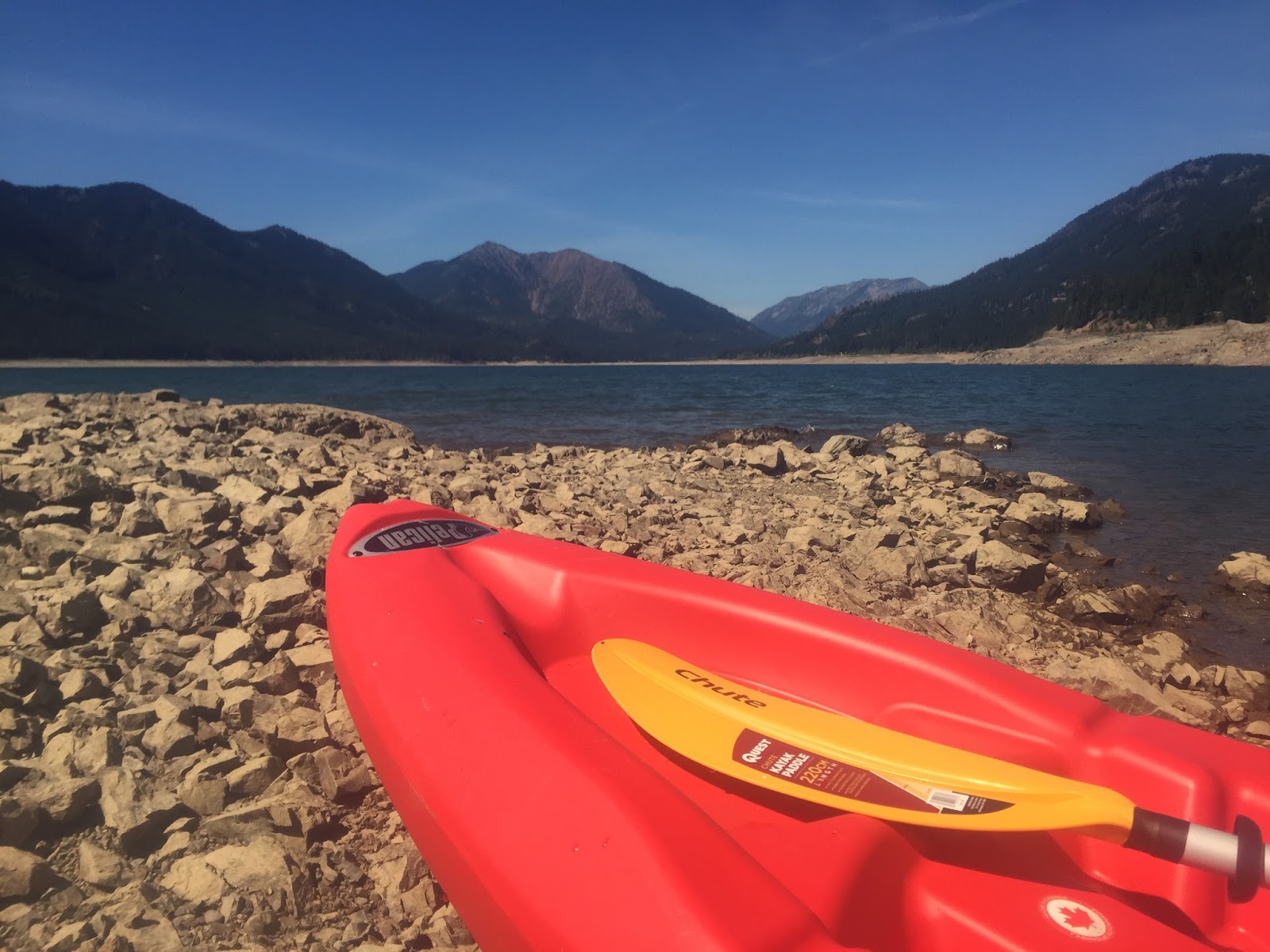
Dragging the Kayaks back up the lake's "shore"
which is very long due to the use of the
lake as a reservoir for the Yakima Valley
Agriculture industry.
Last year I started taking one of my boys for a camping trip with just them and Dad. This year was time for my youngest to start this tradition with me.

For our trip, I decided I needed to find something where we could use his new Kayak. I got him one for his birthday and it was a hit. He loves kayaking like his older brother loves mountain biking.

So, after some research I decided on Cle Elum Lake since it had lots of camping nearby on the Cle Elum River. It had an interesting lake to kayak and there are lots of opportunities to fish.

Now, why only one of the boys? Having a chance to spend solo time with each boy gives my wife and I a chance to really hear them, bond with them, and not have other demands getting in the way. My wife takes the boys on a trip to a different city and I take them camping.

I learned a lot camping with my Dad and spending many days fishing with him. He never had to deal with the challenge of having multiple kids vying for his attention. For me, taking each boy on a solo camping trip makes the trip more enjoyable for me (lower stress from sibling rivalry) and lets me spend solid quality time with my boys.


I don't have video of Finn kayaking since he decided he wanted to use my kayak so he could have the camera and since I had a new kayak which he had not used. So, I have some footage (thanks to Finn since he worked the camera for most shots) from Finn's perspective as we kayaked in Cle Elum Lake.


The trip went awesome and we had a wonderful time kayaking, fishing, and wandering the banks of the Cle Elum River. It was a beautiful spot that I will be exploring more.
Hiking the very low Cle Elum River near our campsite.

Monday, July 20, 2015

Bank of Dad

Dad with $100Not sure where I picked this one up but we instituted the Bank of Dad a few years back. It has been a fun way to teach saving, interest, and responsibility with money to our kids.

How the Bank of Dad Works


  • Each child gets a weekly allowance on Sunday that is equal to 50 cents for each year they are old (ie. 9 gets you $4.50 a week). The allowance increases each birthday by 50 cents.
  • At the first of the month the kids get 10% interest on the balance of what they have on the last day of the previous month. Ya, pretty sweet for them.
  • The kids decide how they use their money within reason.
The money is all handled by Dad and there is an account book for the boys that is in a shared location (a kitchen drawer for us) so anyone can check the balance. Only Mom and Dad can do updates to the account book but the boys are free to review their balances and check the deposits/withdrawals.

Interest

The interest of 10% is high, especially as their savings climb but here is the goal with that. We are teaching them to save. We have let them know that normal banks for not pay back this well but we want to show them what saving can do for your money in the long term.

We explain that when you give the bank money it uses your money to make more money. By loaning your money to them to use they pay you back a bit of the money you loaned them.

The fact that they can see that they are making money by keeping it in the Bank of Dad has encouraged one of our sons to never spend a cent. The other son tries to device schemes where he has enough money in the Bank of Dad that he is buying toys and games off the interest. I saw, great to both of them. They are learning the power of money and what it can do for them.

Responsibility

The fun for Mom and Dad begins when we go out and one of the boys decides he wants something. Certain things are covered by Mom and Dad. For example, food, clothing, school supplies, sun screen, etc. You get the picture.

For other things, comics, toys, new lunch boxes to replace the lunch box they lost comes out of the boys allowance.

Many times, just this weekend for example, I have said, "No, problem, if you want to pay for it out of your allowance you can have that." The kids will all of a sudden wonder what is the price? They generally remember how much money they have. Once they see the price and do the math against what they have saved, they decide to put it back.

We use many of these times to also have discussions about value. We talk about how cool or fun something looks but is it really worth so much of their savings? We let them know that if they think it is then by all means buy it.

We have some failures (a huge number of Magic Cards) but many successes (they have learned that gift shops are generally a bad idea).

That's one way we are trying to teach our kids the value of money. What do you do?